
A camera-led demonstration
Show how the selected camera view and connected controls fit into the daily routine.
Mesete / MS-F04
See the detail behind the routine.
A camera-oriented feeder with a visible hopper and an on-device interface. Bring the view, controls and physical design into a coherent product demonstration for your market.
OEM / ODM · samples, configuration and packaging by discussion
01 / Product, considered
A visible hopper, local interface and camera position give the product a recognisable character. Review the listed finish and its sample before defining your retail presentation.
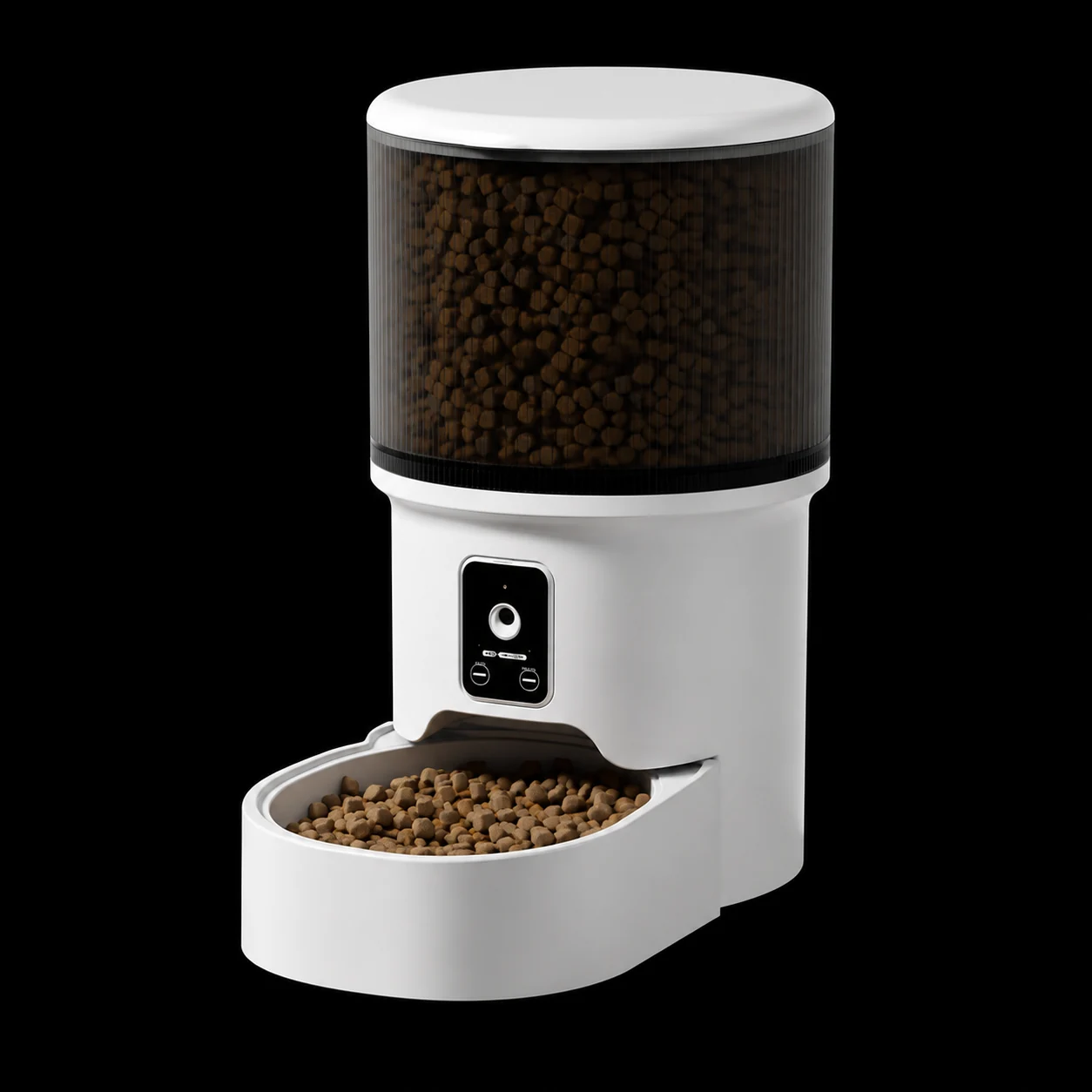
Show how the selected camera view and connected controls fit into the daily routine.
Use the hopper and bowl to explain how an owner checks food levels and keeps the feeder clean.
Match the housing, tint and packaging photography to the exact configuration in the quotation.
02 / Built around the day
Consider the full day, from the first refill to the next check. Meal times, portions and connected features should be reviewed for the pet and the selected configuration.
A day, considered
Illustrative routine
Choose meal times and portions for the pet, then review the setup on the selected feeder.
Example times · meals and portions depend on the pet and the chosen model.
Closer to the detail
Review the camera, display and controls together. Confirm the finish, button language and connected experience for the configuration you intend to source.
Ask for the setup and care guide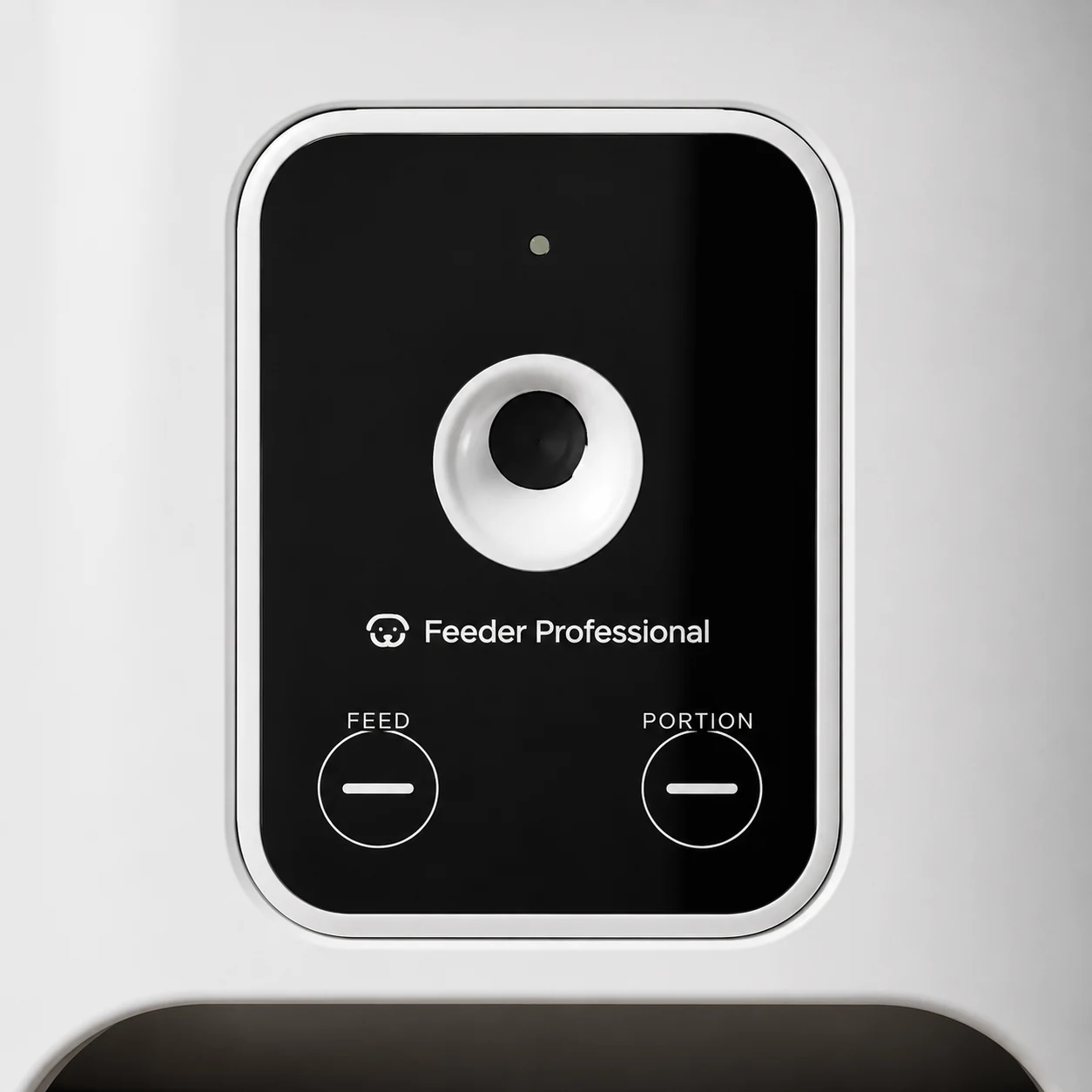
03 / The working specification
Review the current configuration and order reference together. Confirm the food, power supply, connected features and packing details on the sample and quotation.
04 / Make it your range
Bring the product, instructions and retail presentation into the same conversation. Start with a sample, then agree the configuration that fits your market.
Discuss the listed finish, identity and packaging against the approved sample.
Agree button labels, app presentation where available and useful onboarding instructions.
Review the intended dry food, portions and cleaning process on the selected model.
Request the manual, spare-part offer and available model-specific reports.
Configuration · setup · care · packing · documents
05 / The feeding collection
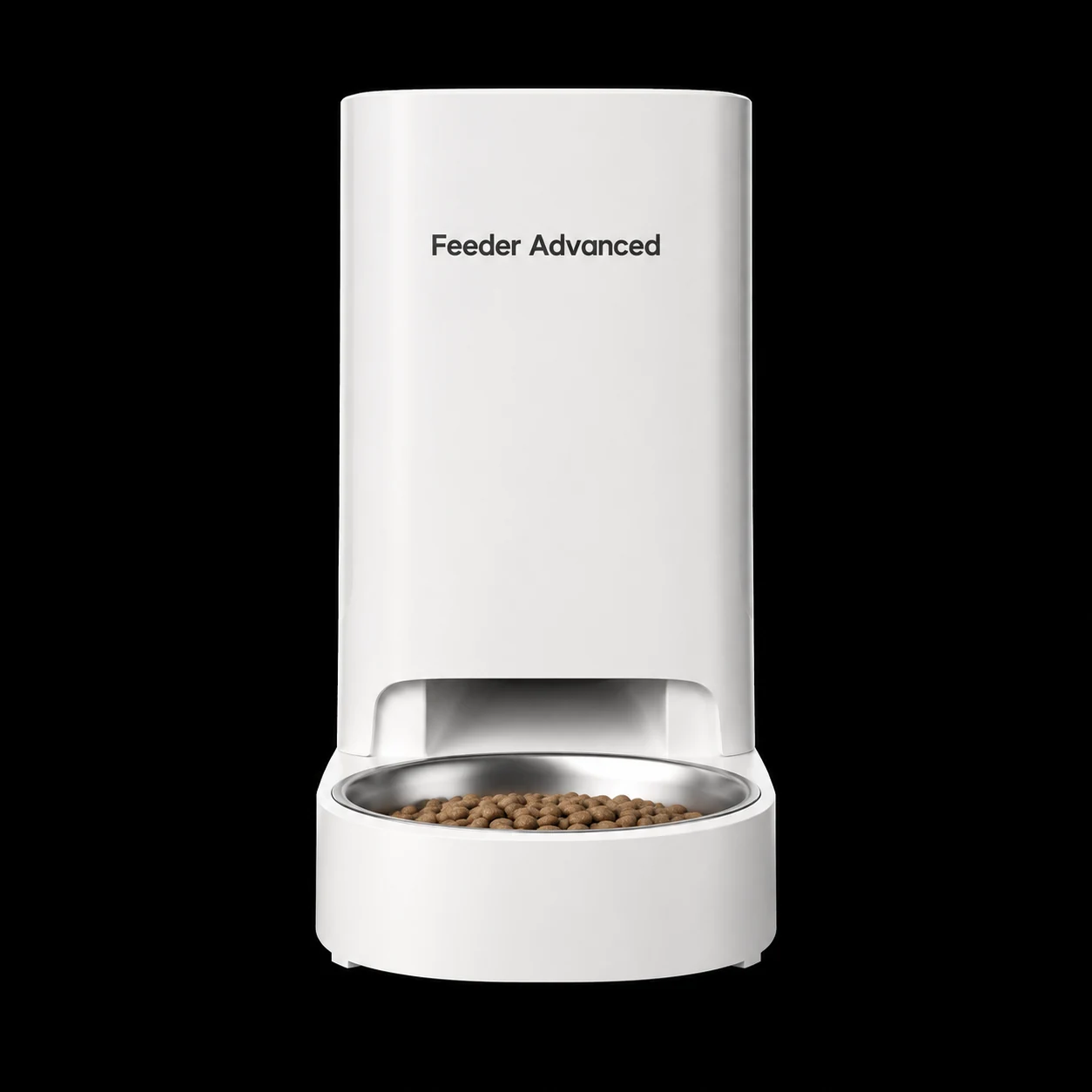
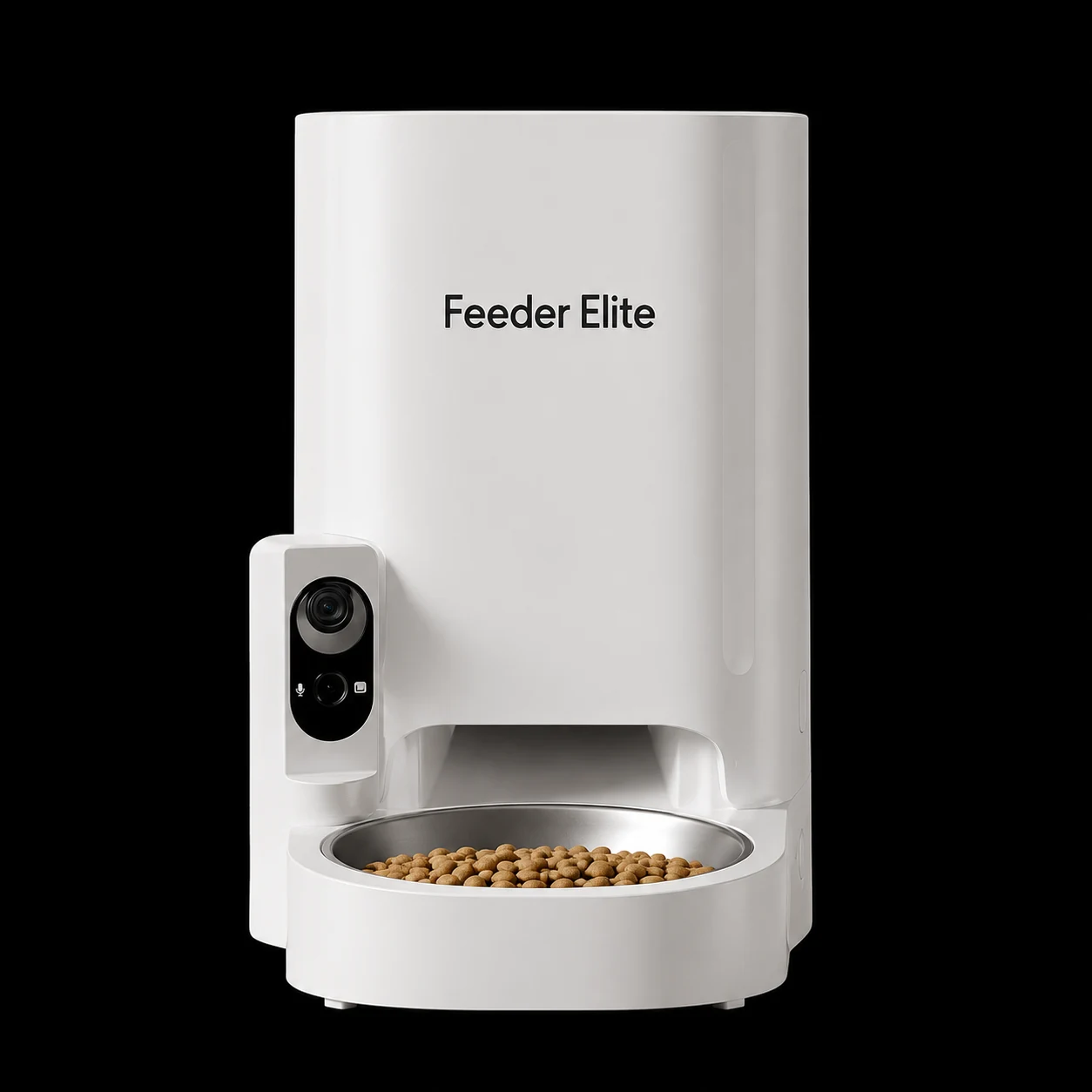
Compare on-device controls, app scheduling and camera configurations. Capacity is one part of the decision; the daily experience is another.



06 / A few useful answers
Use the specification and sample to make the details clear for your selected configuration.
The current listing is Wi-Fi. The camera configuration is Video monitoring. Request the setup manual to review the features on your selected sample.
Review the intended dry-food shape, size, portion behaviour and refill process on the sample. Agree compatibility and care instructions for your retail offer.
The listed power configuration is 5V DC / 4×AA battery backup (camera requires DC). Check the manual for battery behaviour and which connected or camera features require the main power supply.
The current reference is Color, logo, packaging, app UI co-branding, shell tint customization. Agree the final finish, packaging, language and connected configuration in the quotation.
Your brand. Your daily rhythm.
Share your market, configuration and planned volume. We’ll help with samples, pricing and a useful next step.
Plan your feeder rangeA little further
Explore another part of the daily routine, with model details and sample requirements in one place.
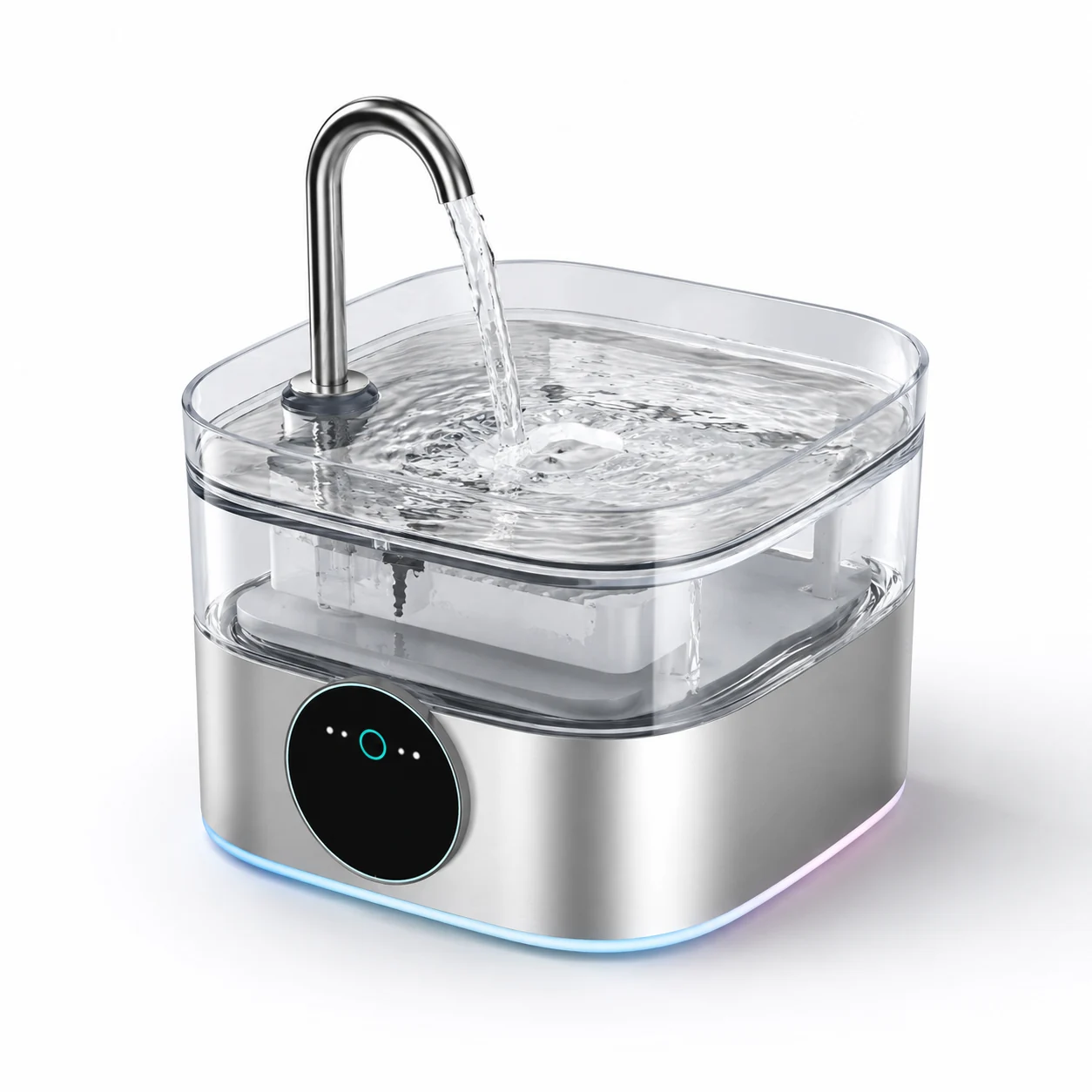
Smart care
Reservoir, material and refill options.
Explore the series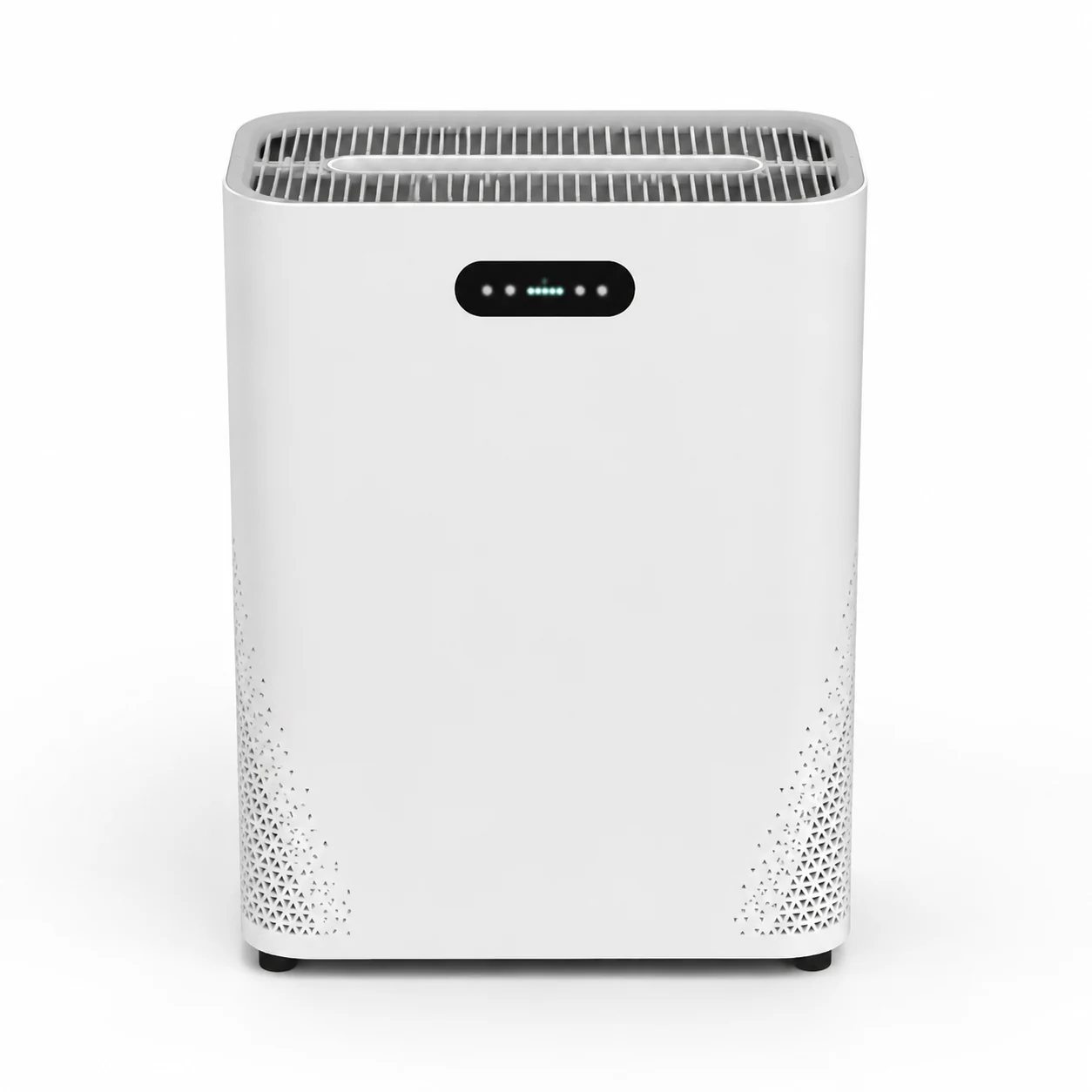
Smart care
Filtration and airflow at model level.
Explore the series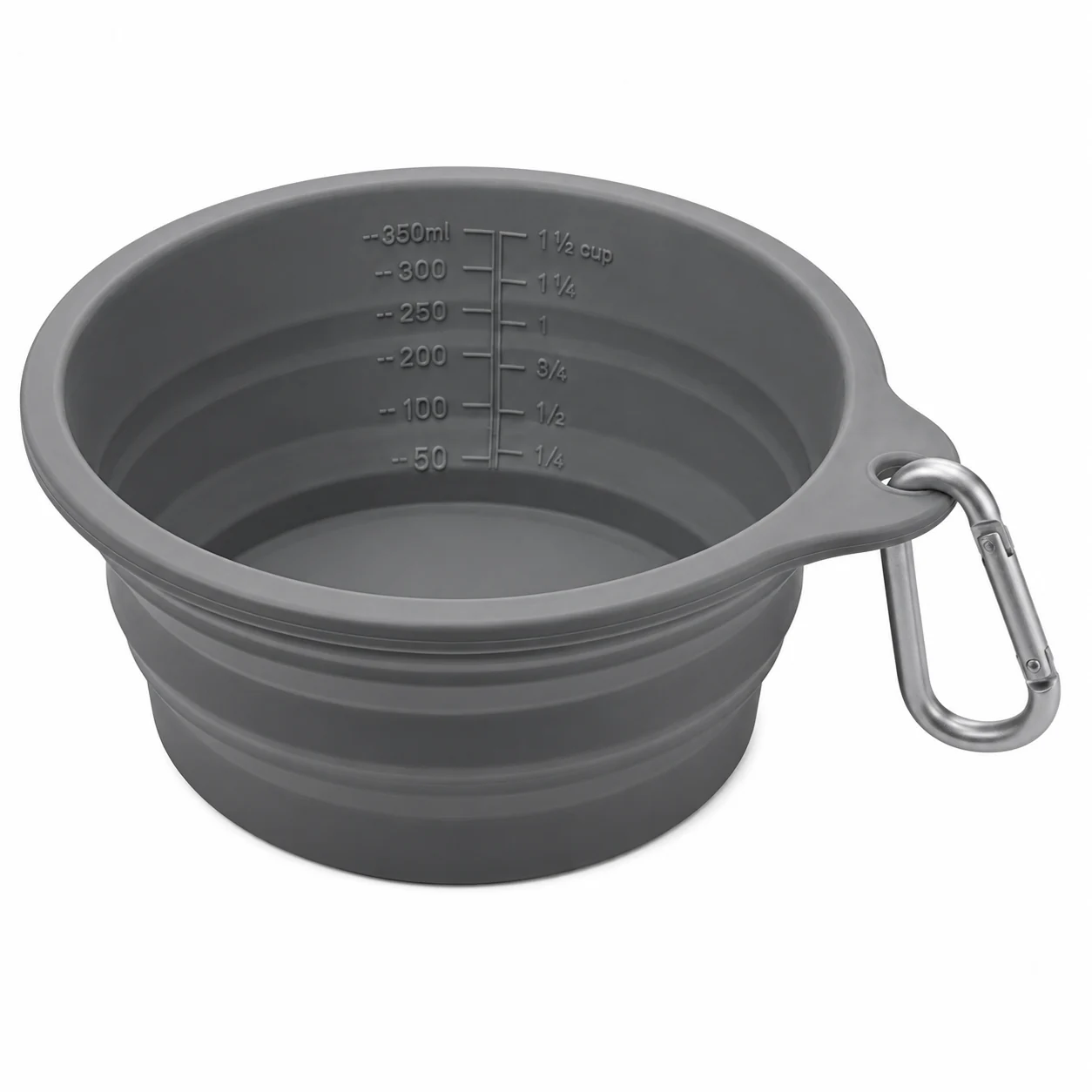
Bowls & home
Foldaway bowls, two ways to clip.
Explore the series